
Prompt
Start with words or a photo
Write the scene or upload an authorized adult photo, then pick the video or image studio that fits what you have.
Turn a written scene or an authorized adult photo into a private AI porn video. SpicyChat shows the credit cost before you render and keeps every result out of any public gallery.
The campaign art and demo frames on this site are illustrations, not customer results or model output.

Write a scene or animate an authorized photo with a live model catalog and a credit estimate before submission.
OpenCreate or rework a still from text or an authorized image, then use it as a separate request.
OpenOne-time credit packs paid in crypto, with no subscription. The studio shows each request’s cost.
OpenDescribe the scene or upload an authorized photo, choose a published model and see the credit cost. The campaign art here is illustrative, not a customer result.
Write the scene or upload an authorized adult photo, then pick the video or image studio that fits what you have.
Play the clip or open the still in your library, then download it before its retention window closes.
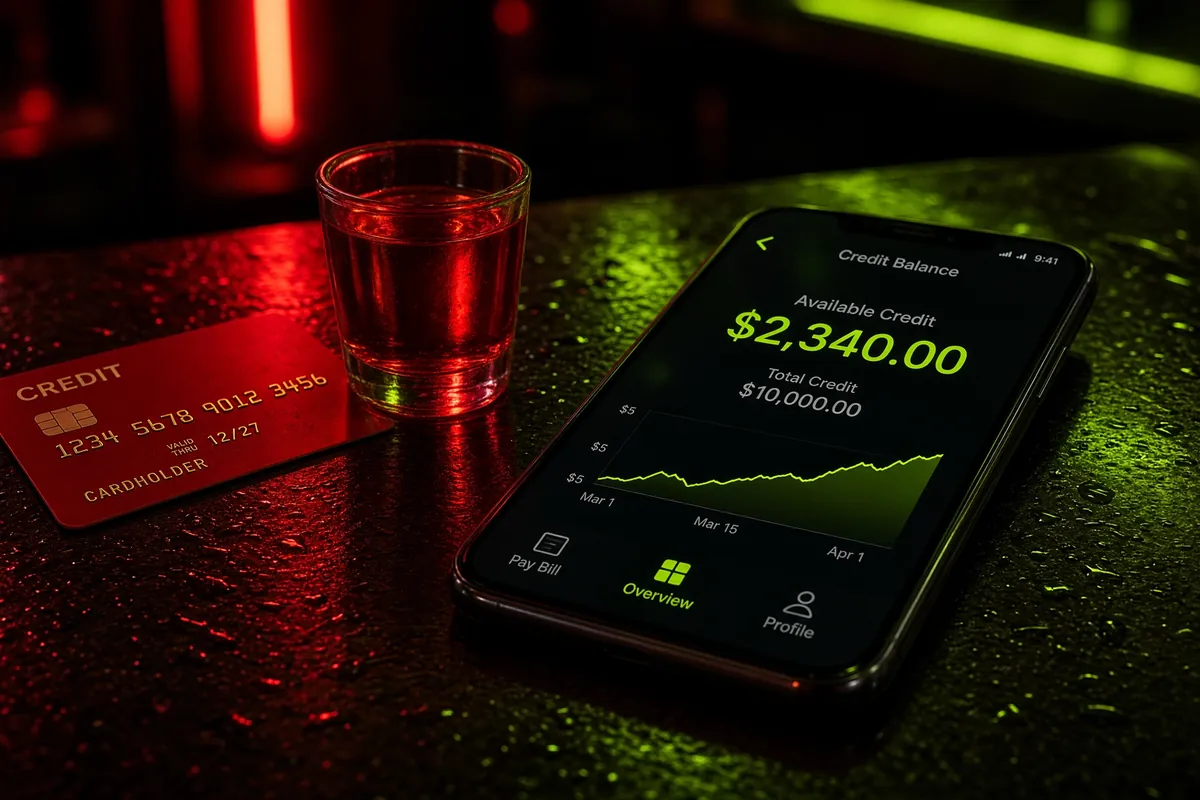
The studio shows the credit cost for the selected model and settings. Credit packs are one-time; nothing renews automatically.
Start with the workflow, the content boundary or the evidence behind the demos.
NSFW AI video guide
How the SpicyChat AI porn video generator turns a written scene into a private clip: model controls, credit cost and the output limits it does not hide.
Read the guideImage-to-video guide
Animate an authorized adult photo with SpicyChat’s NSFW image to video mode. See which source images are allowed, how credits work and how results stay private.
Read the guideCreate porn guide
Use SpicyChat’s AI porn video generator to start from a written scene or an authorized photo. Compare modes, credit costs and consent rules before you submit.
Read the guideComparison
See how six AI porn generator options differ on input, video length, payment, privacy and consent: SpicyChat, Promptchan, Kinku, Seduced AI, Nureta and ELARUNE.
Read the guideNo chat detour, no public gallery, no subscription. Your scene goes straight to the studio, with the cost shown before you submit.
General-purpose AI tools
SpicyChat
Write or upload, choose a model, check the estimate, then render. The result stays in your private library.
Describe the scene, or pick an authorized adult photo, then choose video or image mode.
Pick a published model and its duration, resolution or aspect ratio; the catalog is live.
The studio shows the credit cost before you submit, so you can change the request or stop.
The finished MP4 or PNG appears in your private library with its retention window; download what you want to keep.
Source to result
Upload an authorized adult photo, describe the motion, and SpicyChat renders a new clip. Consent and rights still apply.
One-time packs, crypto checkout and no automatic renewal. The studio shows the credit cost of the exact request before you submit.
Short answers for your first render. Browsing does not require an account.
Open the studioWrite the scene, choose a published length, and send it to your private library. No chat, no gallery, no auto-renew.
Make my video